

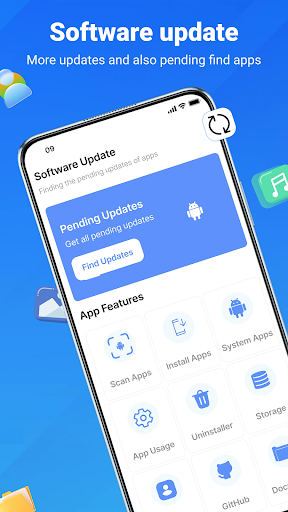
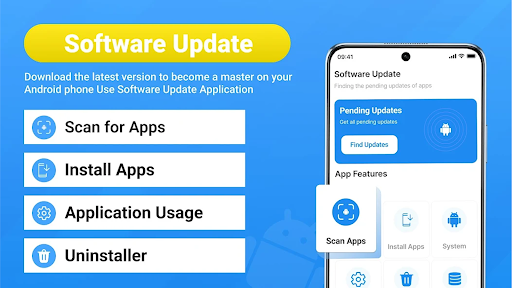
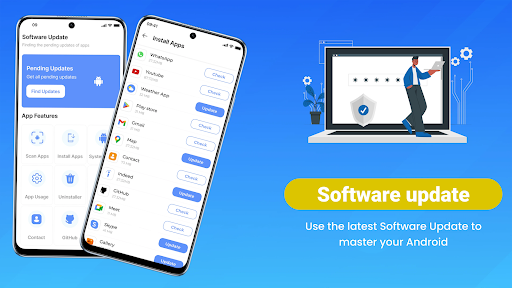
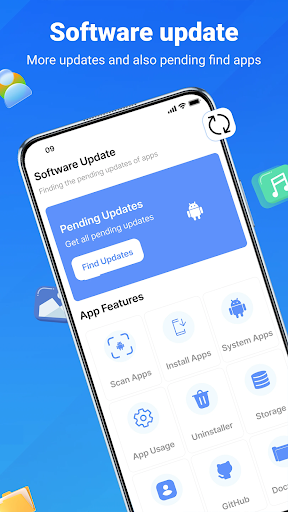
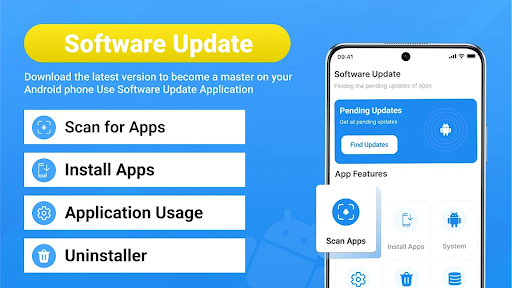
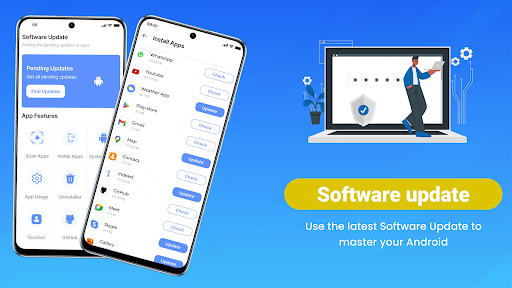
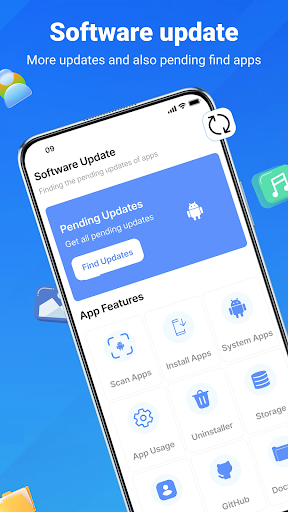
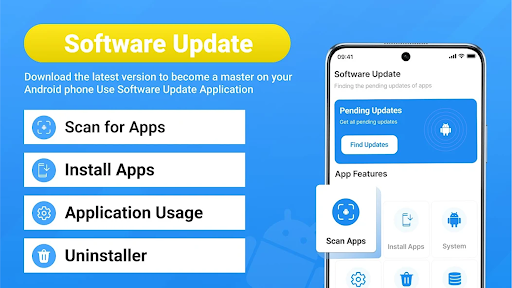
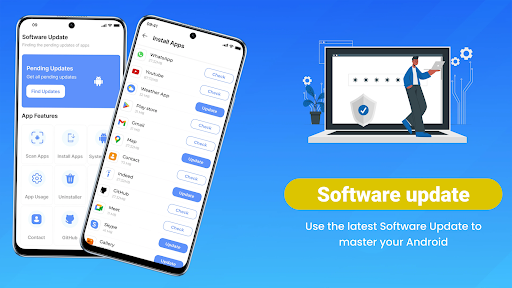
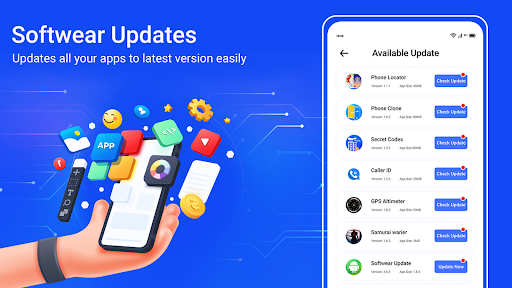
Update Software App: Updates is designed to help users manage software updates across their device. This app provides a centralized tool for checking for available updates for installed applications and the system software itself. It aims to streamline the process of keeping software current, allowing users to quickly identify and act on pending updates for various apps and the operating system.
Update Management Workflow
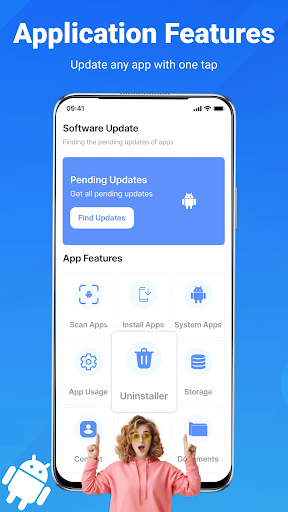
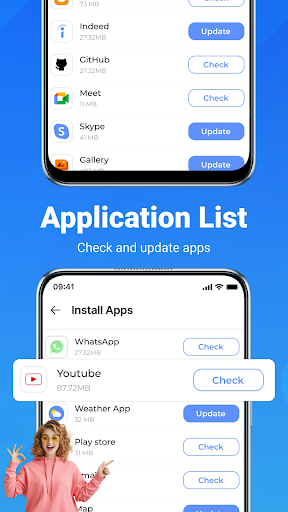
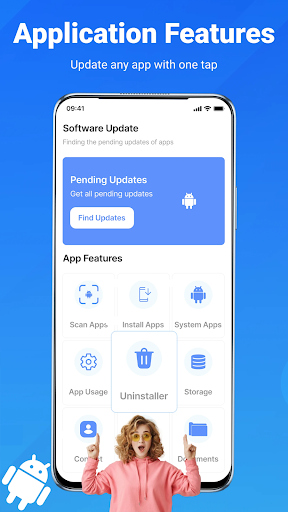
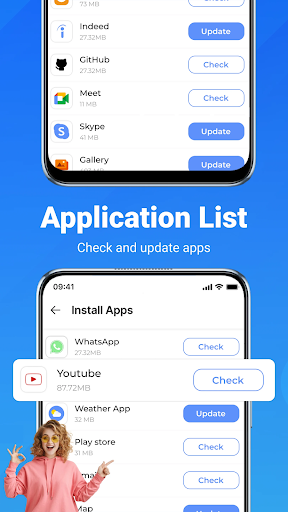
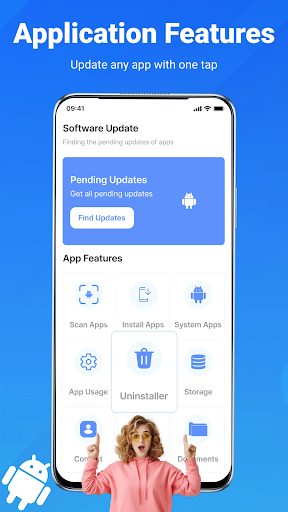
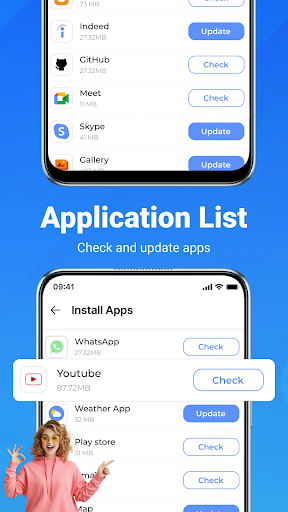
The app delivers real-time checks for updates across all installed applications. Users can quickly view a list of available updates, which can then be sorted. From this list, individual apps can be updated with a single tap, or a update all apps option can be used to refresh everything simultaneously. After an update action, the screen confirms success and re-checks for new updates. The app also clarifies the status of updates, indicating what is new, pending, or can be deferred.
Key Tools and Features
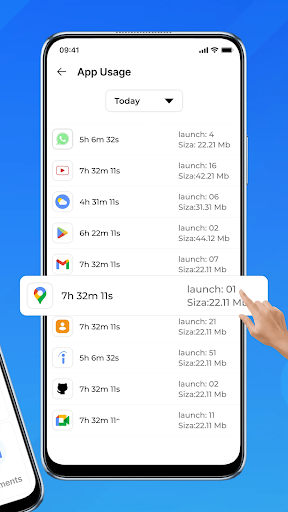
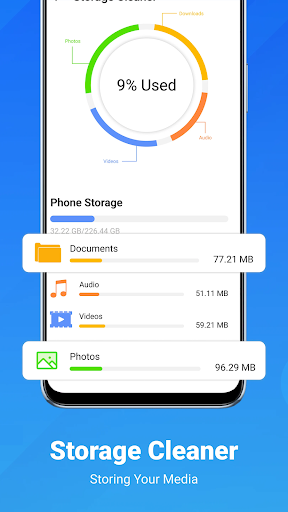
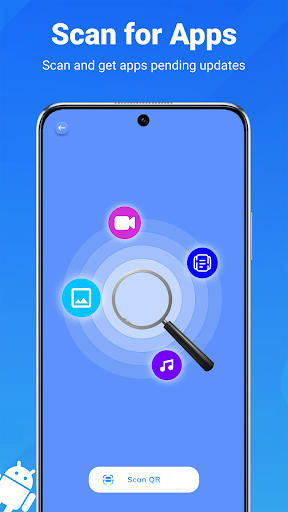
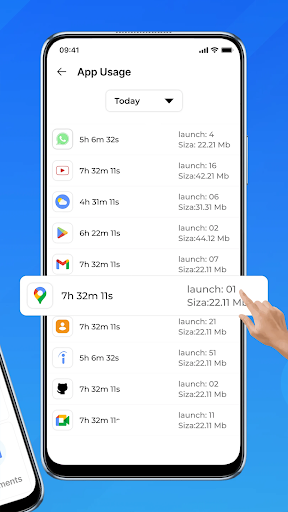
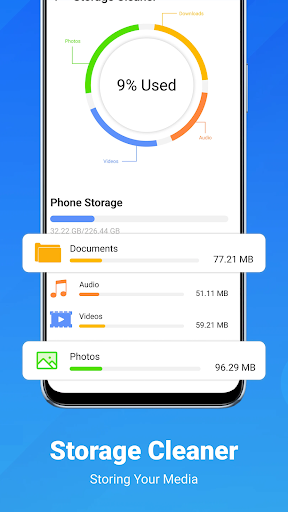
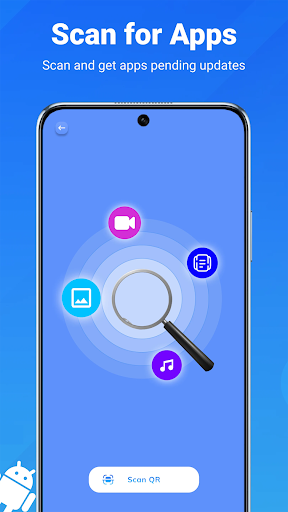
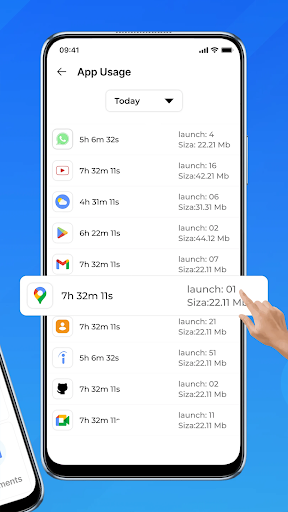
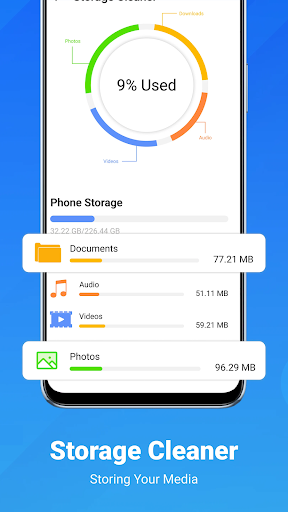
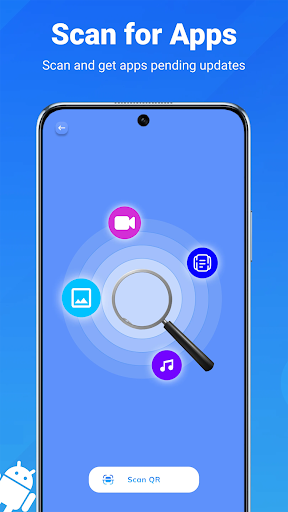
A core feature is its REAL-TIME APP SCANNING, which identifies updates for applications, including tools and system packages. Beyond individual app updates, the app includes a SYSTEM & APP SOFTWARE UPDATE CHECKER to track updates for both the operating system and applications. For convenience, ONE-TAP UPDATE ALL allows for comprehensive refreshes. The app also offers SMART NOTIFICATIONS to alert users when updates are detected. Additionally, CLEANUP TOOLS are provided for removing unused applications, and DEVICE INSIGHTS allow users to view their device’s version, model, and storage information before proceeding with updates.
Practical Considerations
The primary function of Update Software App: Updates is to facilitate the discovery and installation of software updates. It supports updating individual applications or performing a bulk update for all detected items. The app aims to help users stay current with security patches and bug fixes that are often included in software updates. It does not provide details on the content of specific updates beyond indicating what is new or pending.



Write a review